

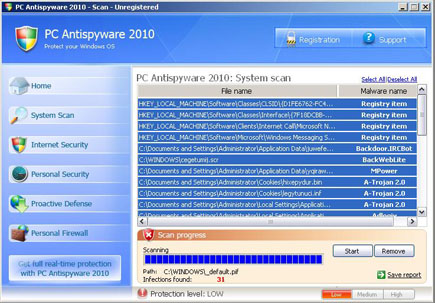
PC Antispyware 2010 is a new rogue security program that were said to be clones of PC Security 2009 and Home Antivirus 2010, both are also fake antivirus applications. These mentioned software share the same Graphical User Interface on their scanner window but only differs on product name. Detected threats and computer irregularities were also the same. PC Antispyware 2010 can be downloaded on to computers without knowledge by users when visiting malicious website.
What PC Antispyware 2010 Does?
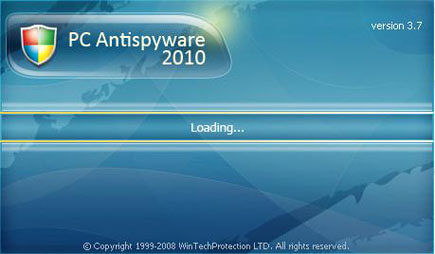
This program will display the following windows on infected computer.
How to Easily Remove PC Antispyware 2010
1. Print this procedure as we need to close all programs running later.
2. Download AntiMalware Application here and save it to your Desktop.
3. Close all open applications.
4. Double-Click on the downloaded mbam-setup.exe to start the installation. If unable to execute, infections on computer is preventing it from running, rename the file mbam-setup.exe to anything (like myfile.exe)
5. Run the installation on the default settings. No changes are necessary.
6. Just before completing the installation, make sure that the following are marked check.
– Update the program
– Launch the program
7. The tool will run and update itself after installation. Close it after the update.
8. Restart your computer in SafeMode
– After Power-On the computer, just before Windows start, press F8
– From the selections, Select SafeMode
9. Click on the icon and start to Perform Full Scan to begin scanning your computer for PC Antispyware 2010 related files.
10. After scanning, a message will appear stating that the scan is completed successfully. Click OK.
11. Click Show Results and detected threats will be displayed.
12. Make sure that all threats are marked check, then click Remove Selected to begin removal of the malicious files.
13. Exit AntiMalware Apps and restart your computer.
14. PC Antispyware 2010 and all its files are now removed from your computer. To guard your computer from this threat and avoid future infections, you may want real-time protection from a full version of anti-malware program..
