
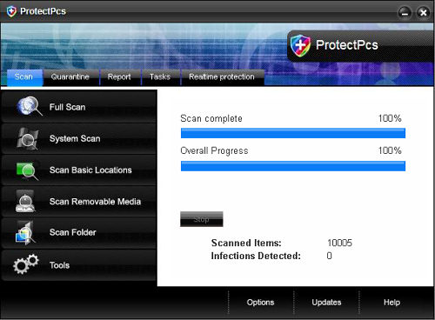
ProtectPcs is another released of the rogue variants coming from the Wini family of fake security applications. ProtectPcs Trojan is spread by utilizing a fake security websites and a fake multimedia websites. On fake security websites, ProtectPcs can be downloaded by its counterfeit online virus scanners while on the other, ProtectPcs will pretend as a needed program for a multimedia file. When installed on the computer, ProtectPcs Trojan will alter the registry to make sure that the program will run when Windows is started. With this, ProtectPcs can be able to end anti-virus programs, redirect Internet browsers and disable various functionalities of Windows including Safe Mode, Registry Editor and Folder Options. To be able to remove ProtectPcs, a manual removal or a combination of different security programs is recommended.
Rogue
Rogue programs can be fake anti-virus or utilities that use deceptive means to entice user into paying for the paid version of the software. Rogue application is commonly distributed in trial version.
Remove Malware Defense
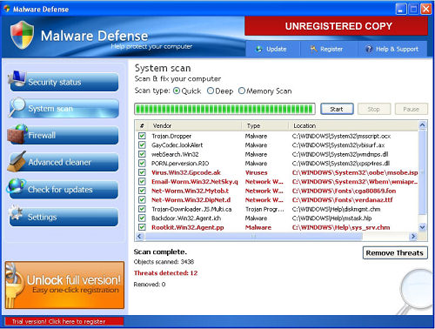
Malware Defense is another computer security program that one must be avoided completely. Malware Defense Trojan is so harmful that it can make devastating modifications on computer, making it unstable and sometime entirely unusable. Malware Defense is circulated over the Internet and a number of its own fake security website was also observed. Malware Defense websites is armed with a malicious scripts that will download and install this rogue program on visitors computer without a notice. A couple of taskbar alerts and warning messages will pop-up coming from Malware Defense reminding you that computer is infected with various kind of security risks. A prompt to buy the program will be returned when users tried to clean threats on computer using Malware Defense. Remember, to be able to remove rogue programs from computer like Malware Defense, you must use only legitimate and trusted security applications.
Remove GuardPcs
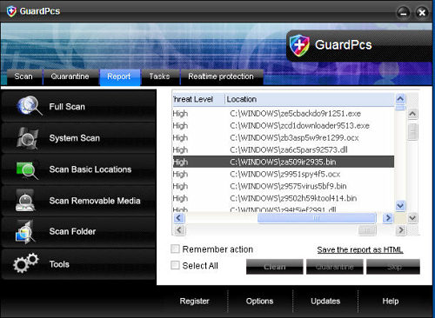
GuardPcs is another fake security program that is advertised on various websites and disguise as an online virus scanner. GuardPcs virus will also pretend as video codec or Macromedia Flash components that are needed to be able to view online video. When installed on the computer, GuardPcs immediately alter the system configuration that allows the fake program to run and perform fake virus scan. The results will display dozens of detected threats that are just fake and fabricated to delude user and force them to obtain the registered version of the program. An excessive pop-up alerts and security messages will be displayed on computer for the same purpose.
Remove IGuardPc
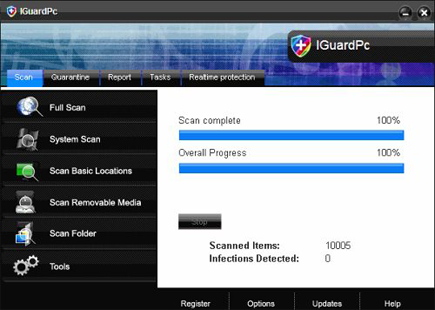
Originating from a group of rogue developer is the latest variant called IGuardPc. Just like other members of the family like SiteAdware, AntiTroy and AntiAdd,this new one shares the graphical user interface and method of propagation. It usually download by visiting a website that pretends to be an online virus scanner like “IGuardPc – Online Protection.” This malicious website is capable of installing IGuardPc on visitors computer either with or without users consent. Initially, IGuardPc will alter system setting and setup to run itself when Windows is started. It also tries to adjust security settings and disabling antivirus program.
Remove Internet Security 2010
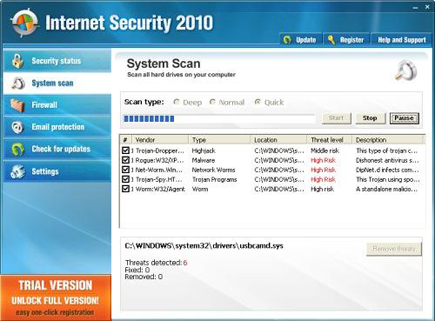
Internet Security 2010 is indeed one useless security program that spreads through the Internet. This malware has more or less infected millions of computer users by means of shady script execution when harmful web site is visited. The malware implants on to the system unknown to victims.
Remove Defence Lab
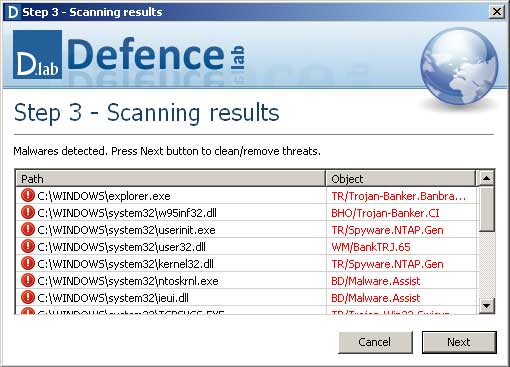
Defence Lab, also known as DefenceLab virus is a fake security tool that commonly obtained by downloading an executable file from unknown source. Fake multimedia codec hosted on malicious websites can also drop a copy of this malware onto computer without user’s knowledge.
Safety Anti-Spyware
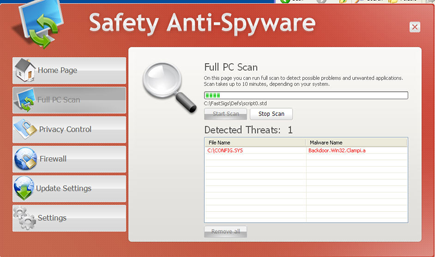
Safety Anti-Spyware commonly arrives on computer that was redirected to a fake online antivirus websites. Safety Anti-Spyware is unsafe when downloaded and executed on computer. It harms in a way unknown to users by connecting to a remote website and downloading additional malware to work coinciding with Safety Anti-Spyware. When successfully dropped on computer, Safety Anti-Spyware will display a fabricated virus scan results and asked you to “Remove All” the detected threats by purchasing the registered version first. A common way for a rogue program to sell itself.
Remove AntiTroy
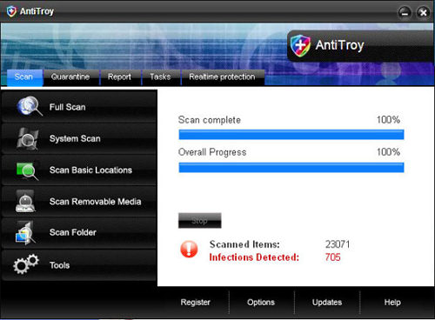
AntiTroy is a harmful security tool for Windows that presently categorized as rogue program because of the deceiving method it applies to promote itself. AntiTroy will redirect Internet browser of a victim to a fake online antivirus website and produce fake warning messages to be able to convince its visitors that AntiTroy is required for threat removal. AntiTroy’s download and installation on computer can bring additional harm when it begins to alter the registry to load itself on Windows start up. AntiTroy will then, disable installed antivirus program and prevent removal by disabling Task Manager, Registry Editor and Folder Options of the infected computer.
Remove Live PC Care
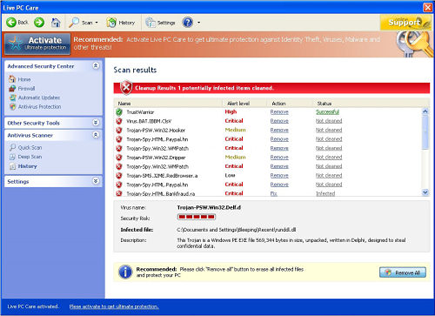
Live PC Care is a misleading computer security application and categorized as rogue. Rogue program like Live PC Care virus are spread over the Internet by means of a fake online virus scanner and Trojan that can dropped and execute it on victims computer. If successfully installed, Live PC Care Trojan will make alterations on the system registry to ensure automatic loading once Windows is started. Various functionalities included a browser redirection, disabling of antivirus programs and certain software, redirecting of Internet browser and blocking of security websites. Live PC Care tries to deceive a victim by promoting itself as a useful security tool and keeps on sending messages about security threats found on computer. This pop-ups will continuously alert a computer until a victim was convinced to purchase the registered version of Live PC Care.
PC Live Guard
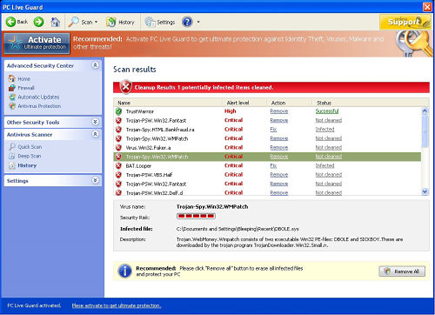
PC Live Guard is yet another fake antivirus program that may interfere with current computer security settings by ending security-related process. PC Live Guard is smart enough to install itself on computers and prevent the compromised PC from removing it, thus forcing users to acquire the registered version of the program. It must be the only option PC Live Guard will give to its victim to be able to stop annoyances it brings.