
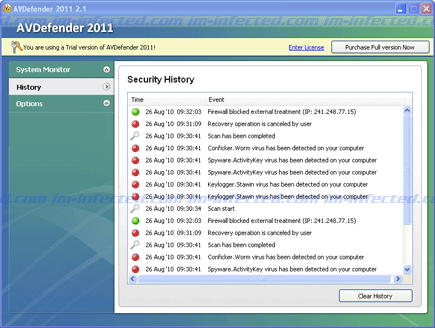
AVDefender 2011 is a rogue security program created to swindle Windows users. This type of software will attempt to persuade people into purchasing the licensed version of the program by means of tricky considerable warning messages. One can easily accept it as a program to remove threats on the infected computer by finding it believable.
Robert La Nguyen
Keylogger.iSnake.PRO – Warning
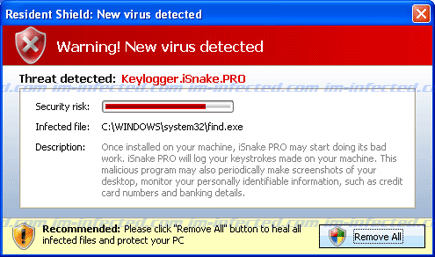
Keylogger.iSnake.PRO is a detection of an imaginable threat that aims to deceive computer users and force them to acquire a registered version of AntivirusGT. There is a real Keylogger.iSnake.PRO virus but coming from an unknown program, rest assure that this keylogger does not reside on the computer. If there is one thing you have to remove, it is the rogue program that detected it. The message content will be:
Advanced Security Tool 2010
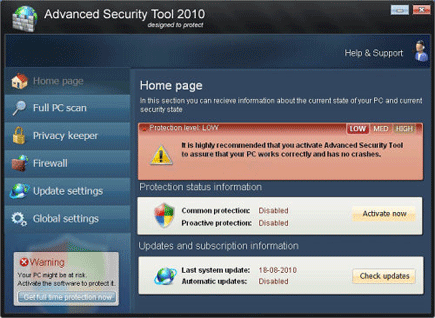
Advanced Security Tool 2010 will immediately spread over the Internet and promoted as a Windows anti-virus program. Its slogan “designed to protect” will surely deceive those who can notice it aside from having an attractive graphical user interface. Advanced Security Tool 2010 claims to have functions such as Full PC Scan, Privacy Keeper, Firewall and so on. Since it was dubbed as rogue, you should never trust your computer’s security from Advanced Security Tool 2010.
Remove AV Checker
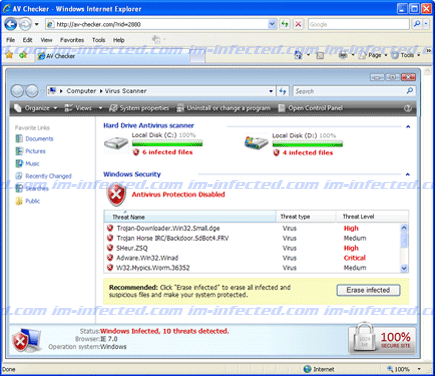
AV Checker is another threat that can be classified as a rogue program because of its intimidating way to convince victim that the system is severely infected with a number of viruses. Associated web sites will aggressively promote AV Checker as a tool to remove Trojan, virus and spyware.
Remove Security Suite

Security Suite may arrive on a computer through another Trojan infection. On some cases, Security Suite virus is hosted on fake online virus scanner web site and bogus movie web site that pose as a needed program to be able to view online video. Users visiting these sites can be easily contracted with the malware due to its drive-by-download technique.
Warning: Infection is Detected
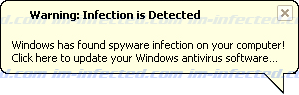
“Warning: Infection is Detected” is a fake alert message that user may observe when a rogue program called Wireshark Antivirus bothers the computer. It has been a tactic of bogus anti-virus software to persuade victims with scary task bar messages like this one. Later the malware will advise them to obtain the registered copy of the software to be able to clean the PC.
“This website has been reported as unsafe” Hijacker
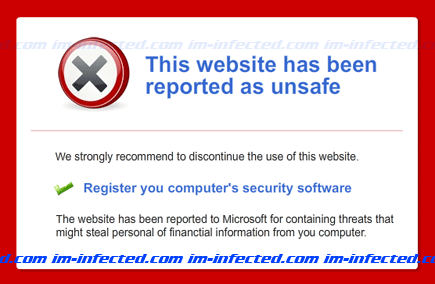
When Internet browser displays “This website has been reported as unsafe” on the computer, it indicates that a threat has entered the system. It is certain that rogue security program called Wireshark Antivirus has caused this fake warning. Primary intention of this browser hijacker is to let user believe that browser is compromised and the only the endorsed program can clean the infection.
Network Control – Network Security Problem
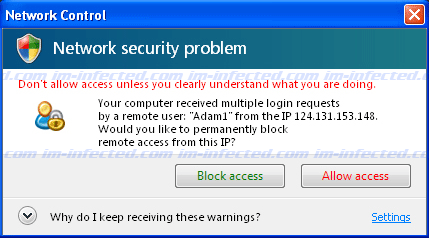
Network Control, Network Security Problem is a pop-up alerts that frequently displays on the computer infected with a fake tool called Network Control. The purpose of this is to annoy computer users and force them to acquire the paid version of it.
“Antispyware software warning” Pop-up
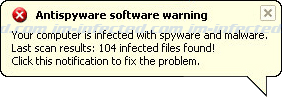
A fake alert stating about “Antispyware software warning” is part of a counterfeit security program known as Desktop Security 2010. The message implies that computer is under attack and recommends software to remove virus presence. Even with identical interface as legitimate Windows alert, be aware the way it notifies you is far from real Windows warnings. First, legitimate system tray alerts never endorsed a product to purchase in order to resolve certain issue. Second, fake alerts are very aggressive that user may find them annoying at times.
Remove Win64.BIT.Looker.exe
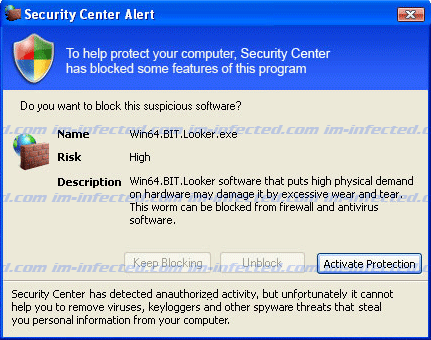
Win64.BIT.Looker.exe is usually shown as a threat that comes as part of a rogue security program. This notification is unsafe and there may be no other malicious program inside the computer except from Desktop Security 2010. The same malware fabricates the false alarm. The mentioned rogue antivirus software is messing with your computer and producing falsified data in order to convince you to pay for the registered version of it. This tactic is very common to rogue security product and is effective in misleading computer users.