
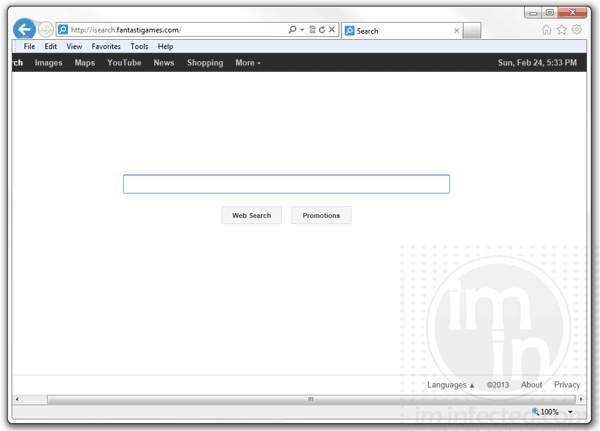
Isearch.fantastigames.com is a browser hijacker that limits your web search to its own engine. This adware controls your web browser to use its own custom search tailored to deliver ads and sponsored links. The fact that the adware can replace your home page with isearch.fantastigames.com, there is no doubt that it is exactly categorized as adware.
Hijacker
Browser hijacker is a malware that was made to change settings on internet browser application. The main purpose is to divert internet traffic to unsolicited website.
Remove 22apple.com Hijacker
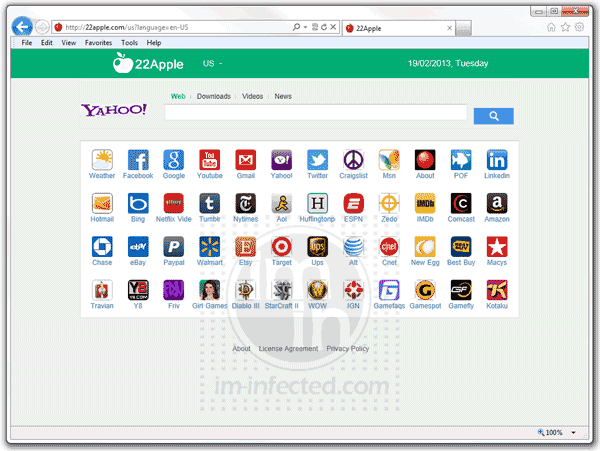
Yahoo search is the engine used by 22apple.com. It provides same quality search service to its users so there is no question with regards to its reliability. On top of that, 22Apple have added features that you can find on the same page. It has many shortcut links to access popular web sites like Facebook, Youtube, Twitter, Linkedin, and many more.
Remove MyBrowserBar (api.mybrowserbar.com)

Mybrowserbar.com attempt to control one’s web browser can be so annoying. To some this is known as MyBrowser Bar Network Assistant. It redirects the home page to its own search tool, which is currently powered by Yahoo (or Bing). Although there are no indications that using the said search box is risky, most computer users complain of its presence.
Remove Searchvhb.com Hijacker
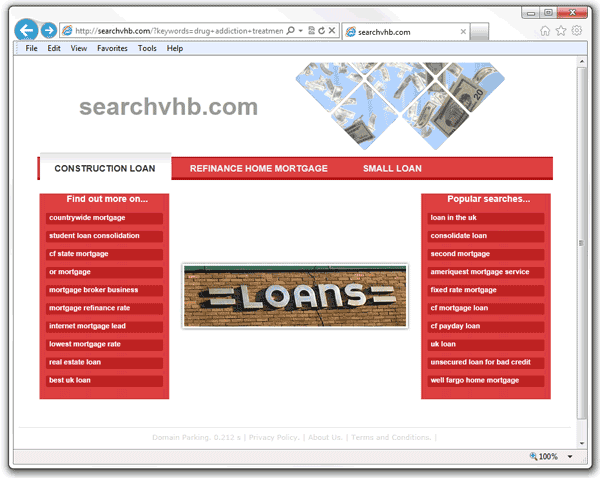
There can be a number of reasons how a program can infiltrate your computer and changes your home page to use searchvhb.com as the default search engine, but it has a single purpose. Search redirect like this one is primarily made to serve ads and deliver Internet traffic to their client’s web site. This hijacker targets your search keyword and phrases in order to redirect the page to something like searchvhb.com/?keywords address.
Remove Delta-search.com Hijacker
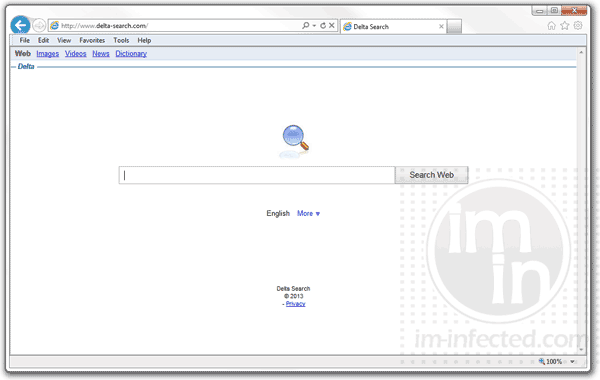
Delta-search.com is a browser hijacker that is using add-on or plug-in installation in order to control the web browser program. If you home page is set to Delta Search (yhs.delta-search.com), containing a tailored search box similar to Google, then, the adware have installed an add-on.
The website ahead contains Malware!
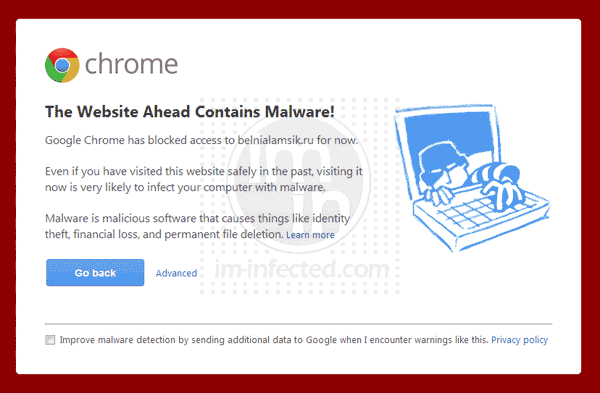
Chrome issues a warning “The website ahead contains Malware!” every time it identifies that the web site you are trying to visit possesses security risks. This warning from Chrome browser is not a new feature, rather a revised alert page to warn Internet users and prevent them from entering a harmful web sites.
“Firefox need to update immediately!” Hijacker
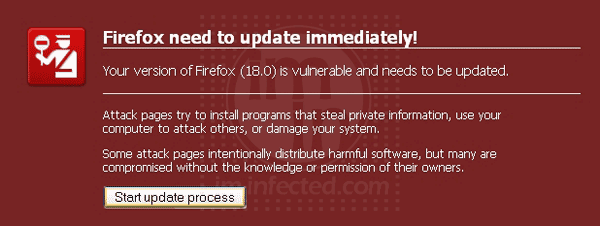
‘Firefox need to update immediately!’ is a browser hijacker that displays a fake Firefox alert when computer is infected with a Trojan. This warning intends to mislead computer users into downloading what seems to be an update file. Though, ‘Firefox need to update immediately!’ intends to deliver a malware and install it inside your computer.
Remove Search.easylifeapp.com (EasyLife App)
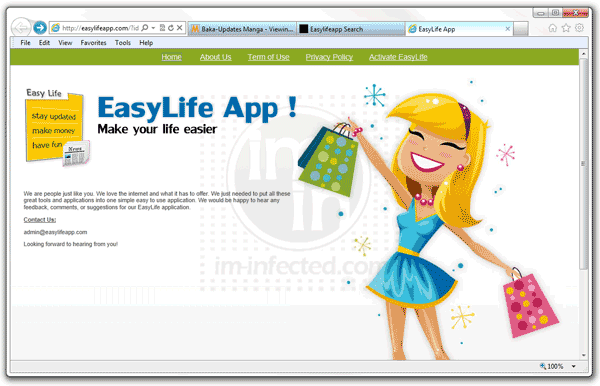
Search.easylifeapp.com is a browser hijacker that switch your default search engine with its own. The new home page will have a Google-like search box with title Easylifeapp Search. It is supposed to be a gadget that can help people with to access tools and information quickly. However, due to its infiltration method, most people considers Easylifeapp as virus.
Remove Pagesinxt.com Hijacker

Pagesinxt.com is a browser hijacker that redirect web searches to its own web site. Then, pagesinxt forwarded the traffic to another web site that it is promoting. This browser hijacker is rarely seen these days due to the security features put-up by latest versions of Internet browser.
Remove Onewebsearch.com Hijacker
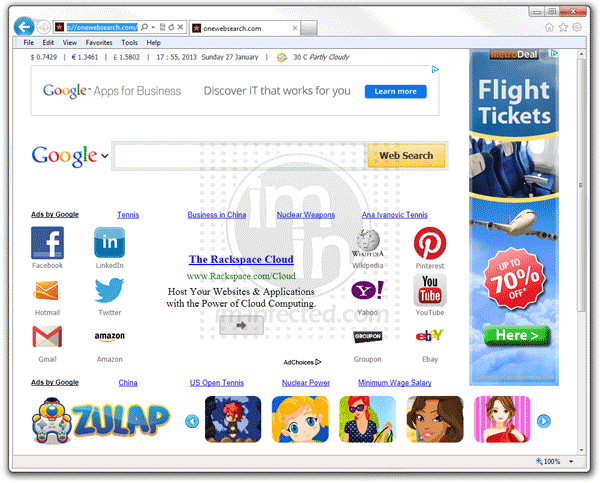
When you noticed that your home page is being redirected to onewebsearch.com, it does not mean that your computer is infected with a virus. Computer virus is a form of threat that replicates once executed. You will not find this quality with onewebsearch.com. Thus, it is closely named as adware. The fact that added into the computer through the means of other program only confirms that the subject is adware and not a virus.