
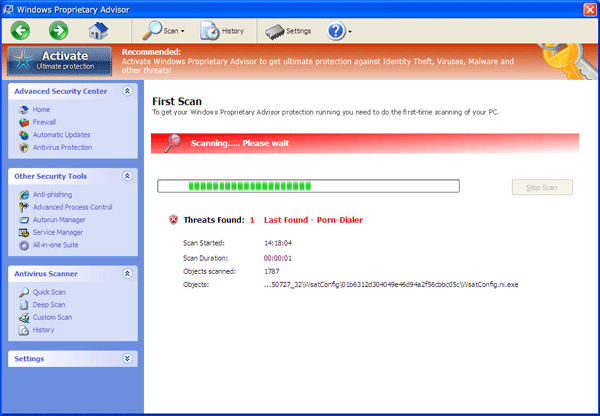
Keep an eye on Windows Proprietary Advisor. This rogue software introduces self as one useful antivirus thing. In the event that you have this program inside the computer, you will notice the true meaning of ‘rogue.’
Rogue
Rogue programs can be fake anti-virus or utilities that use deceptive means to entice user into paying for the paid version of the software. Rogue application is commonly distributed in trial version.
Remove Windows Premium Console
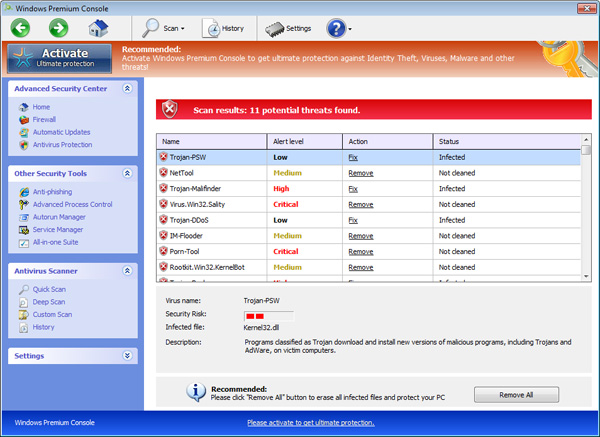
After releasing so many version of rogue software, FakeVimes family now introduces Windows Premium Console. This fake antivirus apparently mimics every aspect of older variants. The only noticeable change that author has applied is in its name. Since this is a copycat, expect that this new version will perform the same actions as what the other does. It includes the following:
Remove Windows Pro Defence
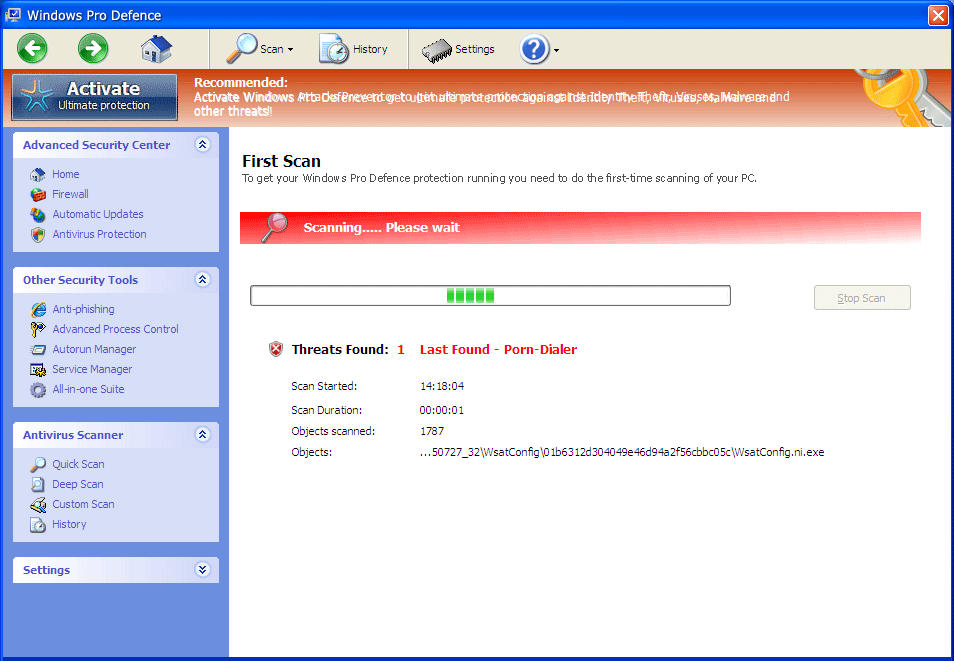
Windows Pro Defence is a malware that pretends to be legal security software. This article should serve as a warning to our readers not to install the product. Doing so will create a bunch of faults on your PC. As soon as it is installed, it initiates a number of tricks in order to persuade user to pay for the product.
Remove Windows Advanced Toolkit
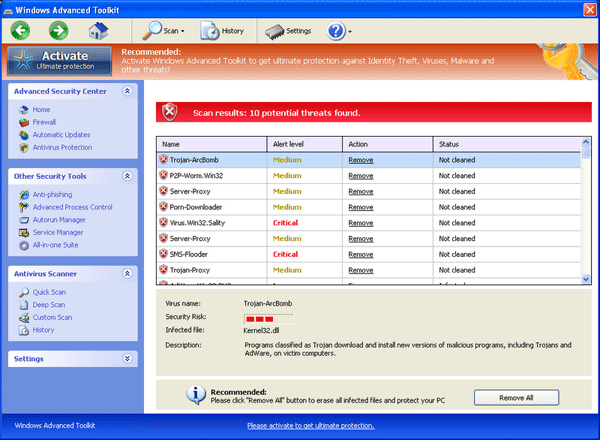
Windows Advanced Toolkit is the latest variant of rogue program from a clan of FakeVimes. This clone of numerous versions uses a rootkit Trojan to spread a copy of itself. It may also use infected web sites and unsafe file-sharing network to get into your computer by chance. Moreover, Trojans may drop a redirect malware on your computer so that when you browse the web, it may redirect you to the location of the fake antivirus.
Remove System Check (Malware Removal)

System Check is a fake computer tool that carry out untrue scan on the computer and state that it found critical hard drive errors. It also informs several corrupted registry entries that can cause system failure. Moreover, it will identify critical errors in computer’s memory that needs immediate repair. All these reports are false. It is an imaginary act formed by malware author in order to persuade you to fix the PC through a paid version of System Check.
Remove Windows Maintenance Guard
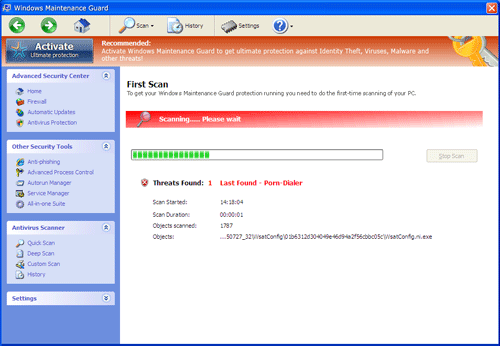
Windows Maintenance Guard is a rogue antivirus program from the same group of cyber criminals who created Windows Secure Web Patch. This malware is distributed via Trojan that can also install it without your approval. Once it is loaded, it will issue fake alerts stating that your computer is infected with viruses. This trick attempts to scare you and make you thinks that PC is severely infected.
Remove Windows Secure Web Patch
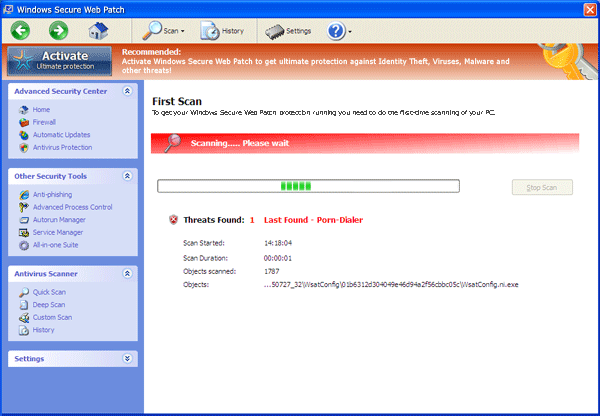
Windows Secure Web Patch is a brand new malware that users can acquire if browsing the web without proper security setup. It enters inside an unguarded computer in various ways. Most popular of all is the use of Trojan that is capable of forcing itself inside a computer that has security fault. When the Trojan successfully invades a system, it will strike the registry and create some entries. It hits the registry first, because author of Windows Secure Web Patch intends to run it every time user starts Windows.
Get rid of Fake Registry Defender
Registry Defender may sound like a real utility program because the name is associated to some legitimate software offered by different company. However, just recently, a fake Registry Defender is spotted on the web. It is using a compromised web site to spread a copy and infiltrate victim’s PC. If it is installed, this malware will pretend to scan the computer and quickly identify registry errors. It will then prompts for upgrade in order for user to fix remaining issues. The truth is, there are no registry errors on the system. Registry Defender created a scene in order to scare users to make needles purchase.
Remove Windows Instant Scanner
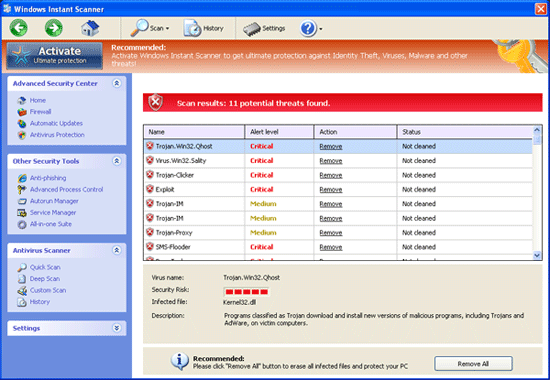
Windows Instant Scanner should not be allowed to enter the computer even though it may appear like a valid security program. You must understand that this malware is pretending to a trusted program. When it gains your trust, its purpose is to convince you to install the software into the computer. However, instead of protecting the system against virus attack, Windows Instant Scanner will first assault your Windows. It modifies certain settings that will able the rogue program to execute when Windows starts. Additionally, it will kill antivirus programs on the affected computer to avoid removal. It also brings displeasure to user by showing a number of fake alerts and false detection of security risks.
Get rid of Windows Privacy Counsel
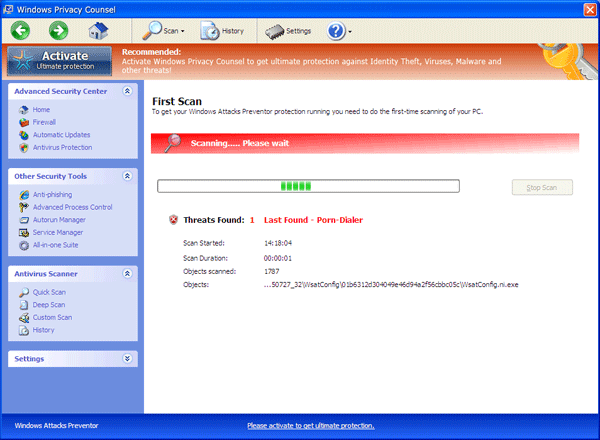
All computer users should treat Windows Privacy Counsel as harmful software. Never install this product into your PC as it will not able to protect it the way genuine program does. It is endorse as a useful program, but in reality, it will not provide and shield or related services. Instead, Windows Privacy Counsel will pollute the computer with fictitious alerts and security-related findings. Installation of this malware also leads to alteration of system settings causing Windows to fail.