

Tuvaro Search is a custom search and monetization program for software developers and media companies. It was made to provide online monetization chance and increase the promotions of its partners. This is the reason why you can see Tuvaro search bundled with some software that you may download from various servers.
Hijacker
Browser hijacker is a malware that was made to change settings on internet browser application. The main purpose is to divert internet traffic to unsolicited website.
Remove “Why do I see this page?” Browser Redirect

“Why do I see this page?” browser redirect is part of malware operation that attempts to do online survey. It is also noticed that this threat have something to do with advertisements. Normally, you will see this message if browser is compromised. There are many reasons how the PC may be infected, one of which is through compromised web sites. Visiting harmful site can lead to the download and installation of the virus that cause “Why do I see this page?” screen to appear. File-sharing networks and spam email are other sources of this malware.
This website has been blocked for you (Complete Survey)

If you are seeing “This website has been blocked for you” on the computer, then it is infected with some kind of malware. This new threat can be considered as browser hijacker as well as ransom virus. First, it will block your access to popular sites and redirect your browser to a warning page that states “This website has been blocked for you”.
Remove Software Education Hijacker (sftwred.info)

Software Education search hijacker that bears the address sftwred.info will take over the home page of the browser when you installed an adware. Intentionally or not, once the adware is installed, it carries out certain changes on the browser to execute the hijacker thing. For instance, Software Education adds a plug-in or add-on so that it runs when you use the affected Internet browser.
Remove Oyodomo.com New Tab and Redirect
If you are experiencing a new tab that redirects to oyodomo.com, then, there is some kind of adware inside the computer. oyodomo.com appears as a new tab because there is a setting inside the computer that calls for this. It could be plug-in or extension inside the browser. On some instances, new tab for oyodomo.com displays when opening the affected browser because it is capable of starting the service when you run Internet browser.
Stop Dts.search-results.com Hijacking

Dts.search-results.com is deemed as malicious search engine. It hijacks your home page, giving you no option to return it to default settings unless you totally removed it. For this reason, many computer users are now seeking help from various security web sites in order to get rid of this adware. One reason why we put up this page is to contribute to this demand.
Remove Search.fbdownloader.com Hijacker
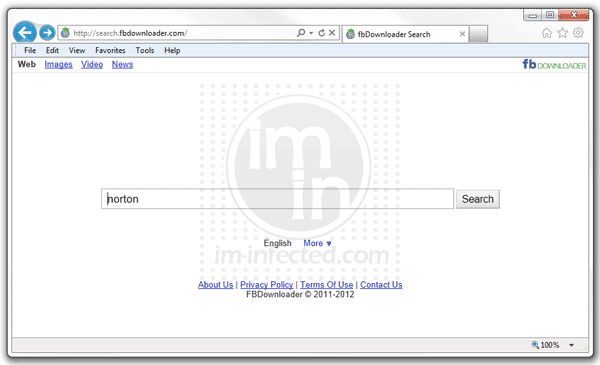
Search.fbdownloader.com is an adware that is normally installed on computer through other program. You may have no idea that it will be installed because it is packed with the software that you have downloaded. It is called an adware because it is loaded into your browser as an added application when you install the main program.
Remove GoOnSearch.com Hijacker
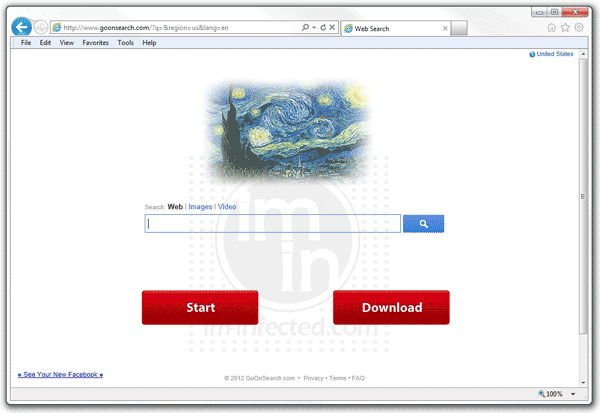
GoOnSearch.com mimics a popular search engine in order to gain trust from computer users. Hence, the way it enters the PC without taking consent from user is a practice of malicious program. Its manner of taking up a space on the computer by packing itself with downloaded software makes it suspicious. This is how it may get inside your machine. Normally, there is a tie-up between the main program maker and GoOnSearch author to combine the two applications.
Remove Search Results LLC (Default Tab)

Search Results LLC is the maker of Default Tab, a search box that is almost similar to Google. Search box provided on the page function just like any other search engine. However, results are far more different. Search Results LLC provides an outcome filled with advertisements. It is obvious that the company tries to generate online revenue through this scheme.
Remove 22find.com Hijacker

Your home page or new tab of Chrome and Firefox will be hijacked by 22find.com if the adware is installed in the computer. Normally, the adware comes uninvited. It is packed with another program that you may download and install intentionally. On some instances, users can download the adware directly from 22find web site, when they are deceived that this is a needed tool in browsing the web.