
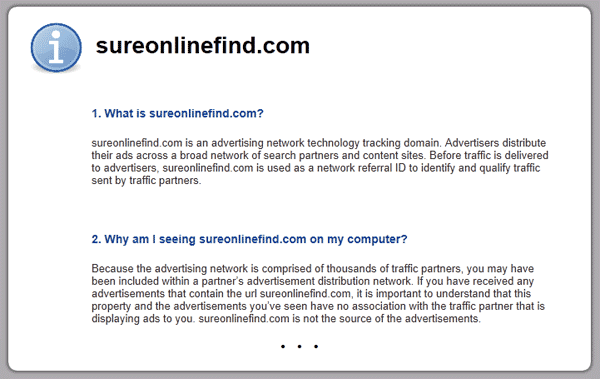
Click.sureonlinefind.com is a domain that belongs to an adware family. Nasty actions of this program get the focus of security experts to conclude it as one of the harmful browser hijacker. It changes your home page to click.sureonlinefind.com. Each time you open a new browser; tab also opens and redirects it to other strange domain if not to click.sureonlinefind.com.
Hijacker
Browser hijacker is a malware that was made to change settings on internet browser application. The main purpose is to divert internet traffic to unsolicited website.
Remove Search.smartaddressbar.com Hijacker
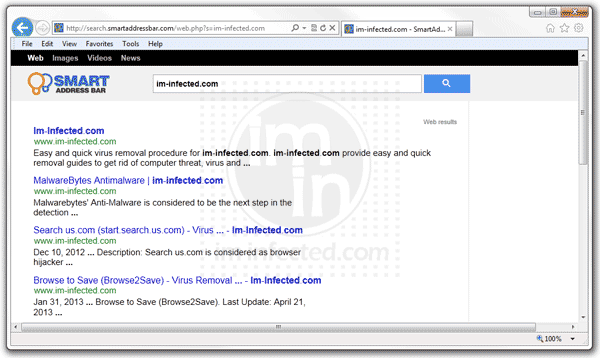
Search.smartaddressbar.com is a program that can alter your browser settings without your knowledge. For some users, such changes can be switch back but in some cases, they cannot return it to previous settings at all.
Remove V9tr.com Hijacker
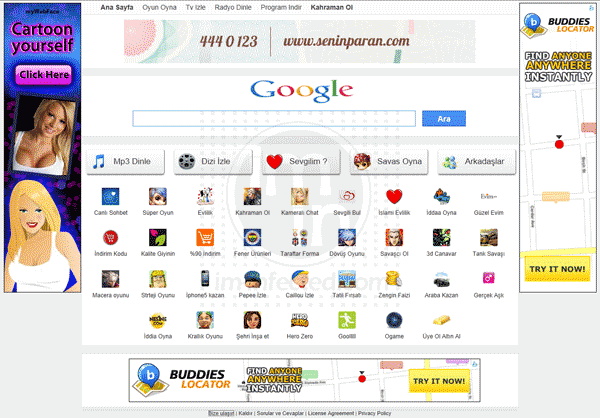
V9tr.com is browser hijacker that can change your home page differ to what you set up. Every time you try to make a search, it redirects to the mentioned address. Many victims claimed that they are always end up to this web site when opening Google Chrome. Without consent to users, this hijacker will affect the PC.
Remove Proxy.allsearchapp.com Hijacker
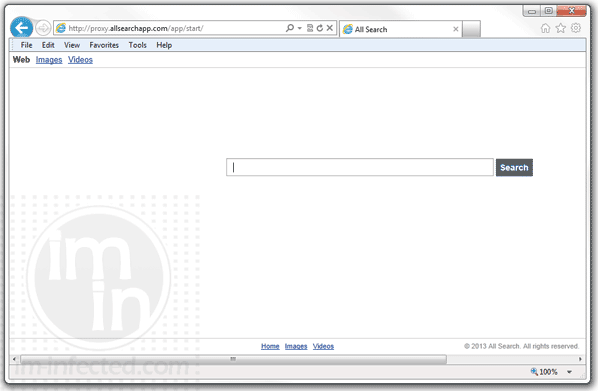
Proxy.allsearchapp.com or ‘All Search’ is a program usually installed without your consent. Most of the time, it is bundled with other free software that you may obtain from various web sites and servers. After you install or download such program, your PC or device is now at risk of being redirected to assigned web page, which is normally a custom search engine. Any of the three main popular browsers like Google Chrome, Mozilla Firefox, and Internet Explorer can be redirected to proxy.allsearchapp.com/app/start/. This search is not harmful. However, the search provider may not have verified security in place to filter-out harmful links from search results.
Remove Start.myplaycity.com Redirect
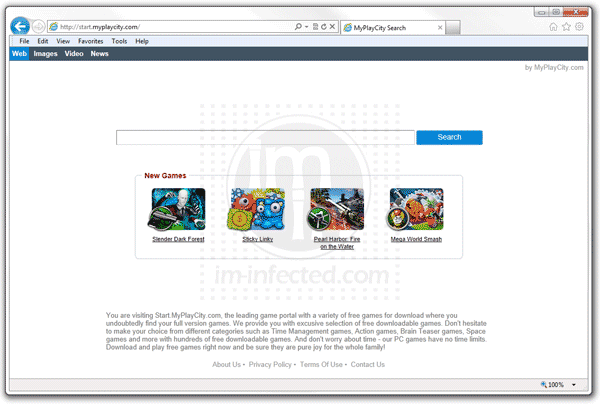
Start.myplaycity.com browser hijacker can be considered as useful yet so annoying. This redirects your searches to a specific website and changes your home page once you installed it as an add-on. Browsers can be Google Chrome, Internet Explorer, or Mozilla Firefox. This unknown search engine will be suited on these browsers.
Remove Buscaid.com (Buscador)

Recent browser hijacker spot by security experts is called buscaid.com or Buscador. Most victims of this adware are those using some well-liked Internet browsers such as Internet Explorer, Mozilla Firefox, and Google Chrome. This nasty software can be downloaded and installed on the PC without your consent. When users download free software, it is more often than not bundled so as the user will have it.
Remove Mixidj.delta-search.com (Mixi DJ Search)
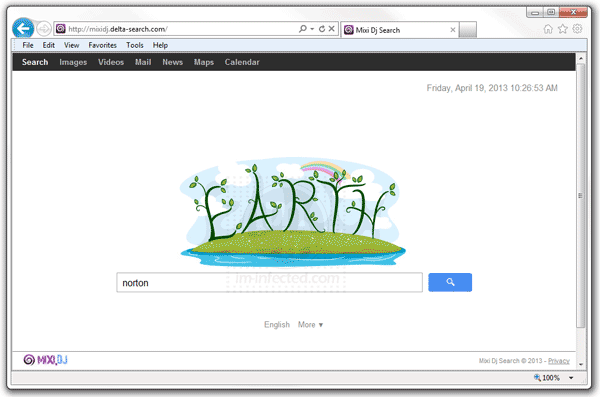
Mixidj.delta-search.com is a browser hijacker that can be installed along with a program called Mixi.Dj. It can be downloaded from certain sites that prompt you to use the program in order to complete the session. Without your full consent, mixidj.delta-search.com will be installed as your default search engine, replacing your home page settings. This adware is known to use various hated domains that is relevant to online search.
Remove QSearch.com Redirect
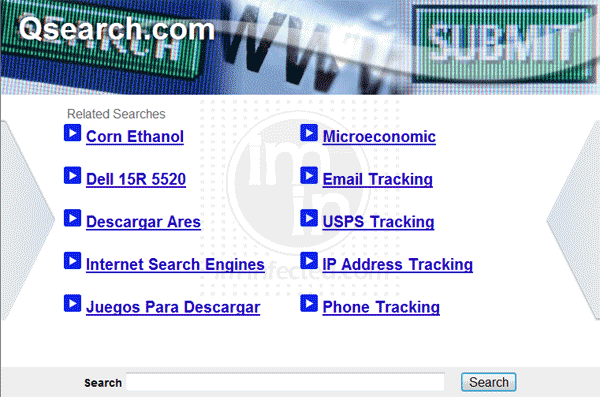
QSearch.com is a browser redirect adware that usually comes with other programs. It is bundled with tools that you may download from certain sites and pretend as required software. These sites will not allow you to view the contents unless you download and install recommended program. This trick permits victims to add QSearch.com into the browser without their full knowledge. There are instances that victims may see QSearch Toolbar if adware was fully installed.
Remove Searchiu.com Hijacker
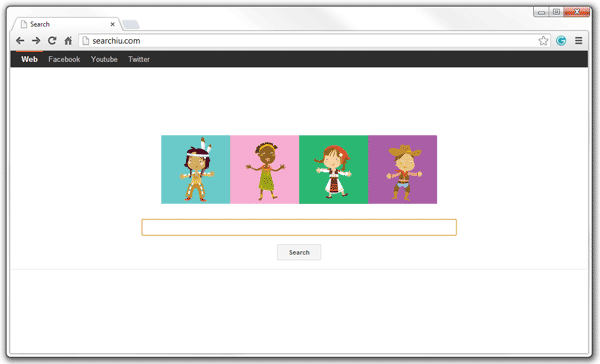
Searchiu.com is a home page hijacker. It overrides your default home page settings, putting an unknown search over it. Typical deployment of this browser redirect adware is via various programs that you may download from the Internet. It is normally installed as add-on or extension on known browsers like Internet Explorer, Mozilla Firefox, and Google Chrome. It may also be loaded as a browser helper object, which executes greater risks on the affected computer.
Remove Search.imesh.net Hijacker
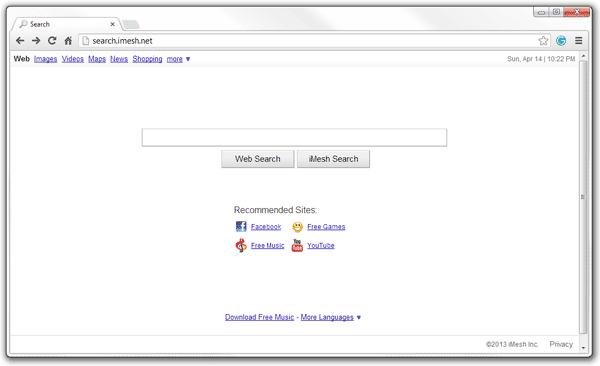
Search.imesh.net is one of the many unusual programs that can do unexpected changes in your system. Generally, it is cause by toolbar named Imesh from imesh.net. It can be downloaded for free, but be very careful because there is a trick behind those default install settings.