

Savings Sidekick is another adware that can come into your computer without an approval. It is packed with programs like download enhancer and browser tools. Attacker uses this approach to mislead users into downloading the program. In most instances, visited web site pauses for a while and prompt the download in order to remain browsing the site. Program where Savings Sidekick is bundled is endorsed as a required software.
Adware
Adware is an advertisement-supported software that normally gets installed on the computer via deceptive means. This program automatically displays advertising materials and has the primary goal of generating online profit.
Remove FindGala Hijacker
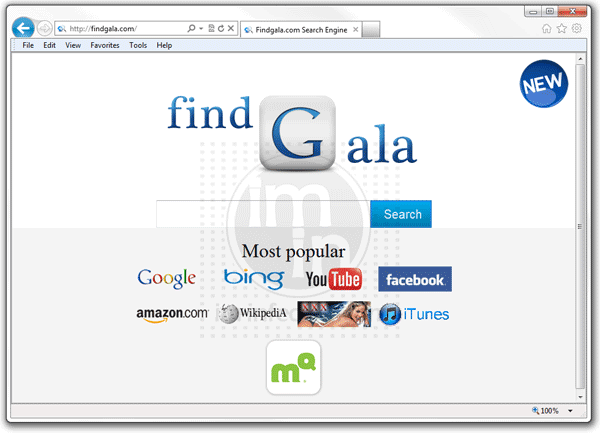
FindGala search hijacker and Toolbar is sorted as an adware that alters settings on the Internet browser. Anti-virus program will not detect FindGala as virus because it is not, but rather an add-on for Internet Explorer, Google Chrome, and Mozilla Firefox. User is often not aware of the installation. The adware usually comes with a program or tool that unknown web sites offer when you visit them. Programs you may download may be an Internet booster or multi-media player. Upon installing this software, FindGala is also being loaded without your knowledge.
Remove Coupon Companion
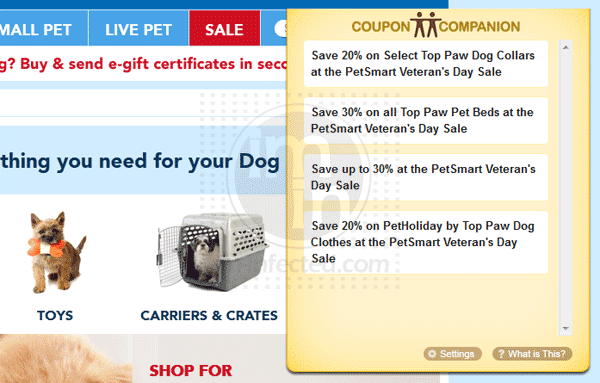
Coupon Companion is an adware program that most users are deemed harmful. It presents corrupt way of promoting products on the Internet. It deprived your privacy while browsing the Internet because Coupon Companion monitors your activity and tries to display relevant ads. Normally, it offers huge savings for product within your interest.
Remove Coupondropdown Ads

Coupondropdown pop-up ads will appear on your browser if you have the add-on installed on the system. It is developed for product promotion and coupon deployment for savings on your online purchases. This is the reason why Coupondropdown pop-ups every time you are browsing the web.
Remove PageRage Plug-in

Many computer users deemed PageRage as Facebook virus. In fact, PageRage is a tool that allows user to change or re-design profile pages. The fact that it allows user to have a user accounts and download the program indicates that manual intervention is required. User’s consent is sought before it can be loaded.

Remove Browse to Save (Browse2Save)
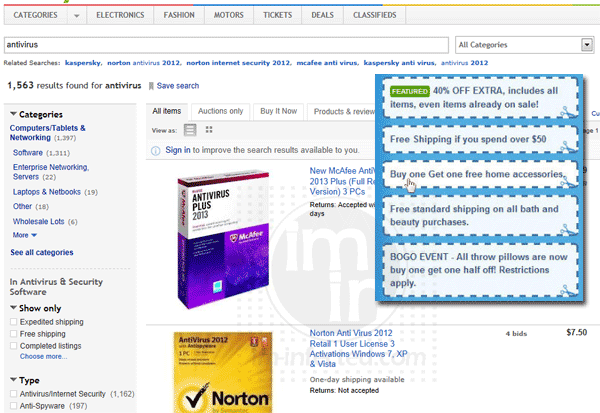
“Browse to Save” is an adware program that slip in their ads while you are browsing merchant web sites or shopping online. The ads are in the form of pop-up containing certain links that are relevant to your interest. As you can see, “Browse to Save” monitors your browsing activity to be able to deliver relevant ads. As such, it is a trespasser to your privacy and appropriate to be called Browse2Save virus.
Remove Privacy SafeGuard Extension
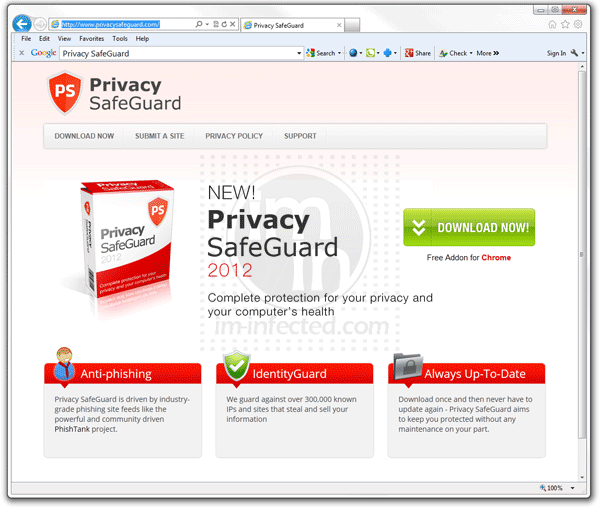
Privacy SafeGuard extension and plug-in is marketed as privacy protection tool for Internet users. It is supposed to be a useful plug-in for Google Chrome, Internet Explorer, and Firefox, but due to growing number of complains, it is now included in the category of adware programs. Being installed on the computer without user’s full knowledge also proves that Privacy SafeGuard extension is an intruder. It is aggressively put into the system by other adware that you may download from the Internet.
Remove 1ClickDownloader

1ClickDownloader is promoted as a tool for fast and secure file download. Some people often call it as download manager tool. User may download this software directly from 1clickdownloader.com web site or from third party provider. There is an ongoing discussion whether 1ClickDownloader is a useful program or malware in disguise.
Remove Facemoods Toolbar and Search

Facemoods Toolbar and Search is an add-on developed for Facebook, emails, and chat programs. It is created to enrich online experience. However, not all computer users are enticed into integrating this add-on into their browsers. In fact, many users are irritated with the Facemoods Toolbar and Search that it installs. You can have this plug-in from facemoods.com if you want to try.