
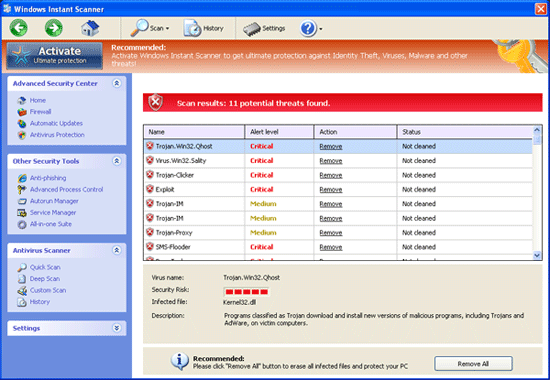
Windows Instant Scanner should not be allowed to enter the computer even though it may appear like a valid security program. You must understand that this malware is pretending to a trusted program. When it gains your trust, its purpose is to convince you to install the software into the computer. However, instead of protecting the system against virus attack, Windows Instant Scanner will first assault your Windows. It modifies certain settings that will able the rogue program to execute when Windows starts. Additionally, it will kill antivirus programs on the affected computer to avoid removal. It also brings displeasure to user by showing a number of fake alerts and false detection of security risks.
Robert La Nguyen
Remove Cpv.servefed.info Pop up
cpv.servefed.info is a browser hijacker web site that intends to display advertisement on the infected computer. This threat is also known for distributing rogue programs that will disguise as Windows registry tool. User may encounter cpv.servefed.info if they pay a visit to contaminated web sites. On some instances, the malware may come bundled with a freeware (free software) that you may download from third party provider.
Get rid of Windows Privacy Counsel
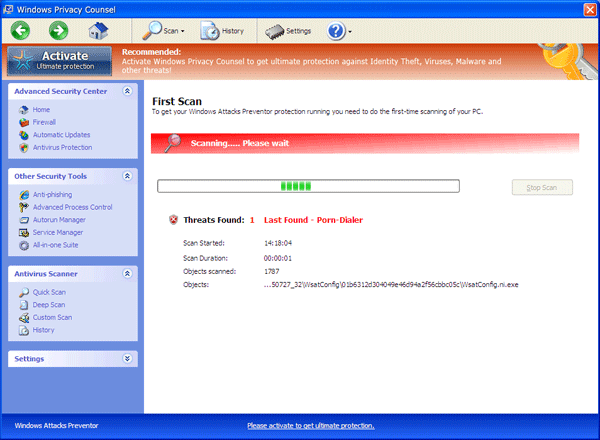
All computer users should treat Windows Privacy Counsel as harmful software. Never install this product into your PC as it will not able to protect it the way genuine program does. It is endorse as a useful program, but in reality, it will not provide and shield or related services. Instead, Windows Privacy Counsel will pollute the computer with fictitious alerts and security-related findings. Installation of this malware also leads to alteration of system settings causing Windows to fail.
Remove Windows Custom Safety
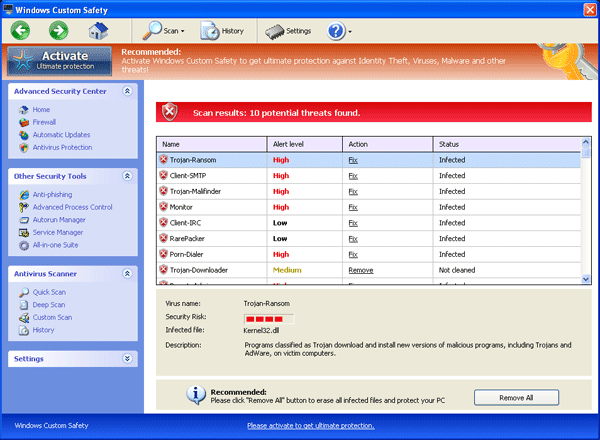
You should not install a program called Windows Custom Safety. It is a malware that will seek your attention and advise the installation of the program. It keeps on pressuring user that a license version is needed in order to protect the PC and remove threats. There are instances that Windows Custom Safety will block all your files and state that it is infected when you try to run it. The malware may also render the antivirus program on your computer useless. There will be no reaction once you run the software.
Remove Windows Privacy Module
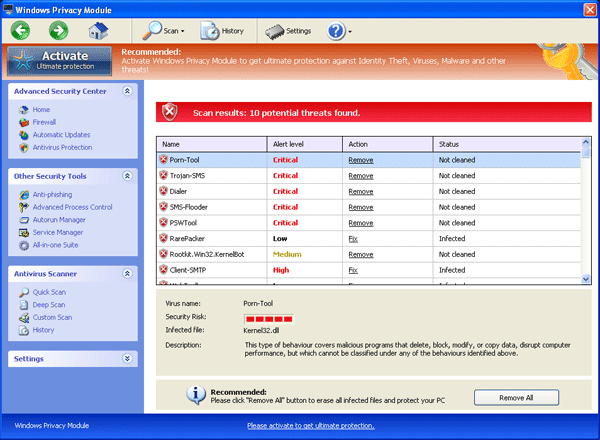
Windows Privacy Module is another security threat that will make your computing experience rough. This malware will make most of your programs and tools unusable. It may also hide your files and folders, which makes most of your icons to vanish. Moreover, Windows Privacy Module blocks your Internet access and displays a fake error page stating that your computer is infected with Trojans and viruses. The malware is kind enough to help you resolve this issue; however, it will demand you to pay for the full version of the program first.
Uninstall Real Registry Cleaner
Real Registry Cleaner is a bogus Windows utility program that may arrive on computer unwelcome. It utilizes a Trojan to lead its entry inside a target PC. Most often, threats like this will locate the weak spot of your computer and take advantage of that to install a copy of fake “Real Registry Cleaner”. It is also observed that it may disguise as software update, which can be download from third-party web sites.
Remove Windows Maintenance Suite
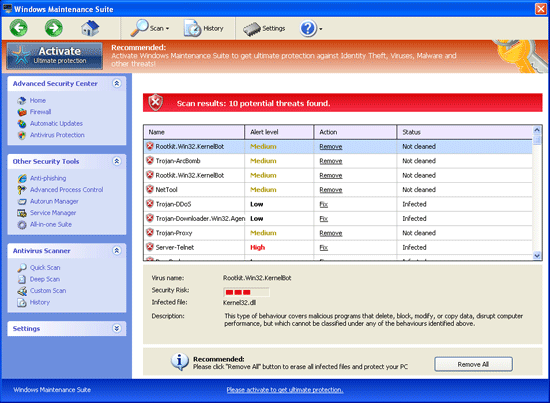
Windows Maintenance Suite is a program that may be of value when you first see it. However, when you learned that it is part of a fraud operation conducted by cyber criminal, you would not hesitate to take it out of the computer. Think of this program as a virus that hides behind a nice-looking console. It always brags of its importance in removing threats but after complete diagnostic on its modules, we found out that it is lacking of components. It does not have what real antivirus software possesses in fighting malware.
Remove Windows Safety Wizard
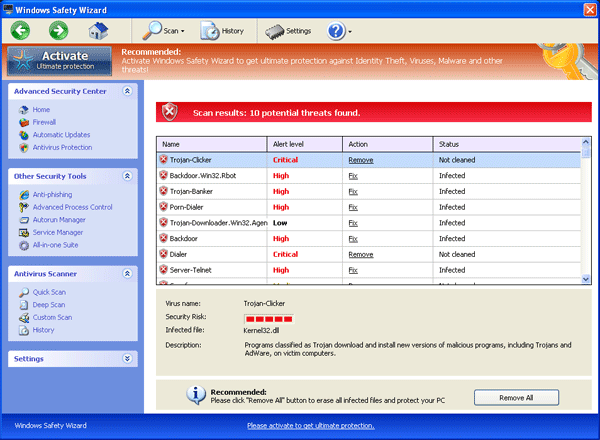
Windows Safety Wizard is created by cyber-criminals in the sole purpose of earning a profit from online fraud. This rogue program will pretend as a useful program. In fact, it makes itself appear useful when it start to detect threats on your computer. To support that, Windows Safety Wizard displays a number of warnings and notices filled with caring advice in taking care of the PC. What lies behind, is a drive to deceive you. It will make you believe that computer is under attack where in fact it is not. As you can see, Windows Safety Wizard created a situation wherein, you will feel that the program is essential for the current state of your computer.
Remove Windows PC Aid
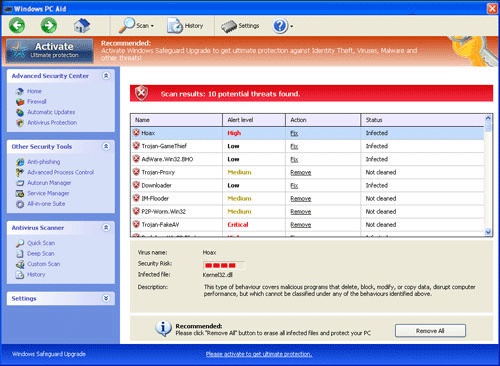
Your first impression after seeing Windows PC Aid inside the computer might be fine. But, wait after it shows what it can do to the PC. The program that you thought is useful will turn into a destructive virus when it begins to act upon its task. Windows PC Aid is created as a program that will attempt to deceive users with its look. This is the reason why it carries a nice graphical interface. It may appear like a genuine virus scanner but its motive is far more beyond your expectation. The main goal of Windows PC Aid is to scare you with fake alerts and warnings. Then, it will convince you to obtain the full version of the program so that you can remove what it identified as virus inside your computer.
Remove Windows Malware Firewall
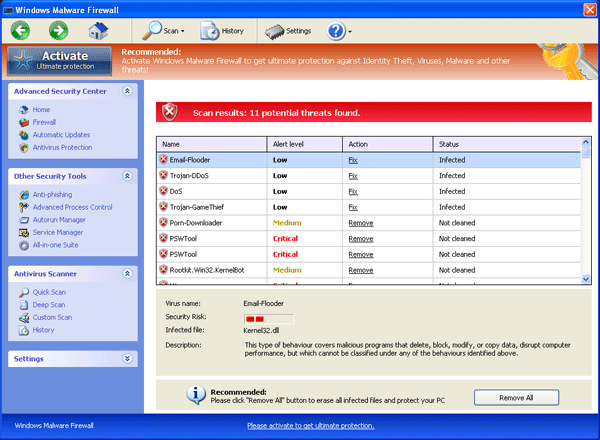
Windows Malware Firewall is a rogue program aiming to cheat on computer users by publishing threats that do not exists. The software we are dealing about seems to be a good one, but after taking a closer look and further diagnosis, it reveals how bad Windows Malware Firewall was.