
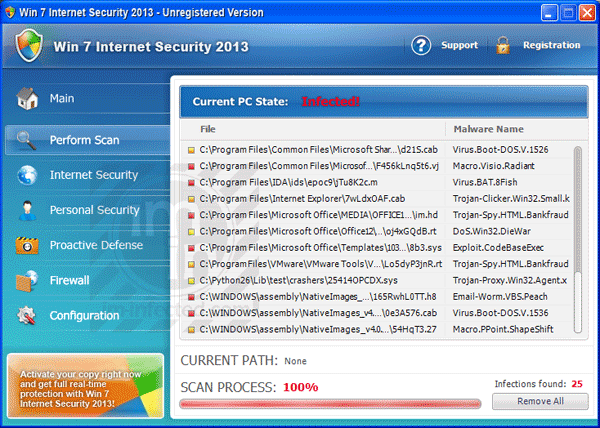
Win 7 Internet Security 2013 is not an ideal protection suite. In fact, this virus impersonates a security program and will also be installed in the name of XP Internet Security 2013 or Vista Internet Security 2013. There is no positive effect if ever you installed Win 7 Internet Security 2013 into your computer. All you will get are constant fake warnings and alerts. Apart from that, you will also see a virus scan perpetuated by this malware.
Robert La Nguyen
Remove Vista Antivirus 2013 and Win 7 Antivirus 2013
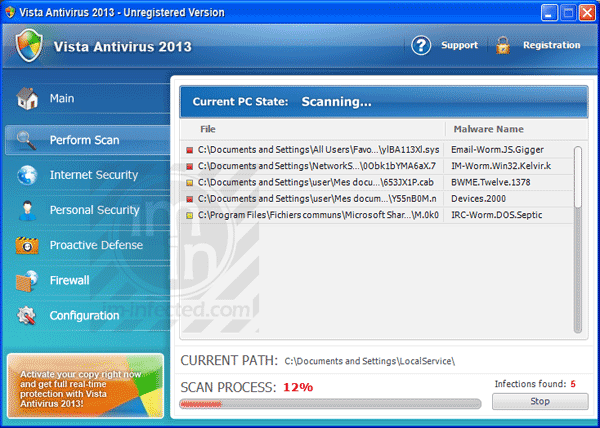
Vista Antivirus 2013, XP Antivirus 2013, and Win 7 Antivirus 2013 is the same rogue program except that they targeted different systems. It intends to change name depending on Windows version of the targeted PC. This rogue program may spread in two ways. Initially, it uses a fake online virus scanner that runs a scan once you bump into the compromised website.
Remove XP Defender 2013
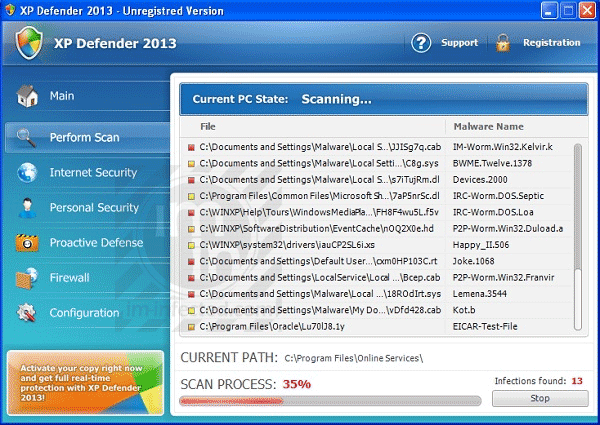
XP Defender 2013 is just a mimic of other rogue program we have posted previously. This malware acts like a real antivirus software. The main objective is to rip off money from computer owners using various tactics. XP Defender 2013 may produce excessive notification sighting several threats found on the PC. It also runs a scan on its own without user’s intervention. Note that XP Defender 2013 provides false results after scanning the computer.
Remove Vista Defender 2013
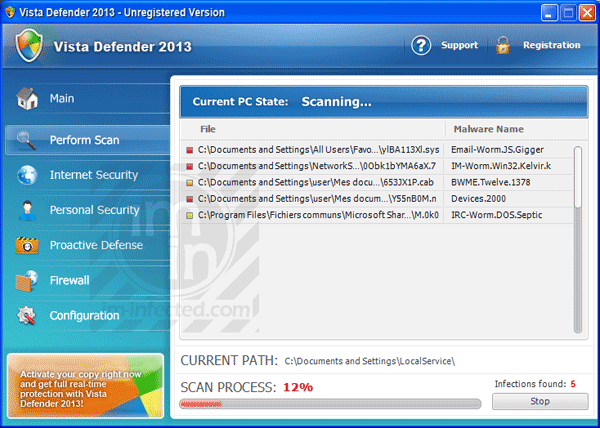
Vista Defender 2013 will remain a security risk on your computer if not removed at once. This rogue program comes from a huge family of malware that attacks a computer through system vulnerabilities. It took advantage of software faults and security loopholes to gain an access to your computer. If ever Vista Defender 2013 obtains a place in the system, it will carry out changes. It hits the registry in particular to control the PC right from its boot-up. This is the reason why you will observe a scan by Vista Defender 2013 when starting Windows.
Remove Win 7 Defender 2013
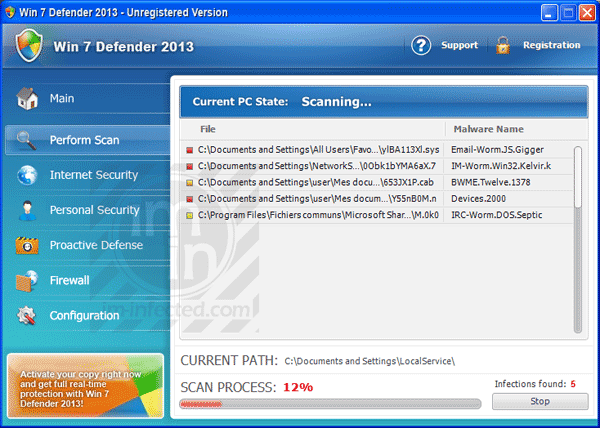
Win 7 Defender 2013 is a fake antivirus program that attacks the computer when a security fault is found. Other than that, the malware will intrude the system through browser exploits that are common these days. It is important that you patch these holes to avoid Win 7 Defender 2013 virus infection.
Remove Text Enhance Pop-up

Text Enhance is an adware program that pop-ups advertisement on the affected browser. A type of browser add-ons or extension may be installed without user’s consent. Typically, Text Enhance comes bundled with another program that you may download from suspicious web sites. Once the adware is installed on the PC, you may notice many Text Enhance links all over the web page. Clicking on any of the links will display a pop-up that can redirect Internet browser to the endorsed page, commonly merchandise and service web site that uses Text Enhance to promote their product.
Stop System Progressive Protection Firewall Alert
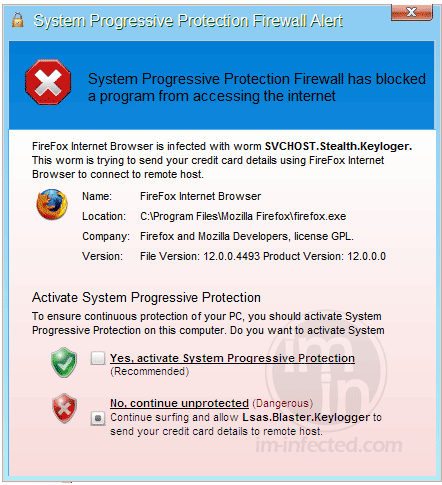
System Progressive Protection Firewall Alert is a fake warning that originates from the rogue program that holds the title. It will appear as small warning from system tray that when clicked will reveal the complete fake warning. The main purpose of this bogus alert is to scare computer users by posting a report that, some applications are infected with malware. It prevents execution of programs, which may require Internet access. Running affected software causes the fake alert to pop-up and prompt for activation. For example, if user runs Firefox browser, System Progressive Protection Firewall Alert pop-ups with the message containing the following text:
Remove JS:ScriptIP-Inf [Trj]
![Avast Detects JS:ScriptIP-Inf [Trj]](https://www.viruspup.com/wp-content/uploads/2012/09/JS-ScriptIP-Inf-Trj.png)
JS:ScriptIP-Inf [Trj] is a dangerous computer infection that comes in a Java Script file. It can do many bad things to a computer once it gains an access. JS:ScriptIP-Inf [Trj] is a tricky malware that comes into your computer evading your antivirus program. You will have no clue that it is coming neither see any changes on the computer operation while it is being installed. However, gradual changes can be felt right after it completed loading all scripts.
Remove Blekko Search – Home Page and Toolbar
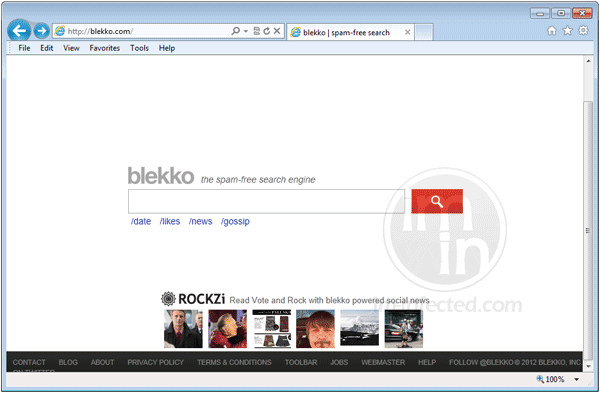
Blekko Search engine is a browser hijacker that usually substitutes your default home page with unknown search box. It is titled Blekko, Spam-Free Search. Most computer users who were tangled with this adware considers it as virus or spam tool. According to them, running a search on Blekko will provide unrelated results. Users also emphasize that the page contains huge advertisement, which can mistakenly click by visitors.
AFP – Australian Federal Police Trojan
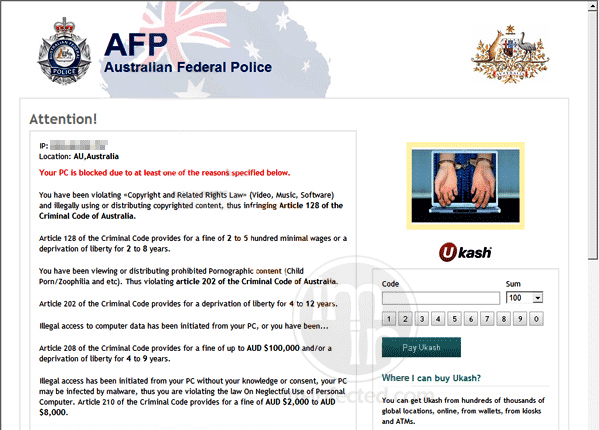
AFP – Australian Federal Police that blocks the PC upon infection is a Trojan or mostly known as Windows Locker malware. It usually enters the computer via Trojan that is expert in cultivating known software and security faults in order to get inside the system. AFP – Australian Federal Police Trojan strikes the registry first and modifies various settings that cause blocking of your access to your own computer.