

“Why do I see this page?” browser redirect is part of malware operation that attempts to do online survey. It is also noticed that this threat have something to do with advertisements. Normally, you will see this message if browser is compromised. There are many reasons how the PC may be infected, one of which is through compromised web sites. Visiting harmful site can lead to the download and installation of the virus that cause “Why do I see this page?” screen to appear. File-sharing networks and spam email are other sources of this malware.
Robert La Nguyen
This website has been blocked for you (Complete Survey)
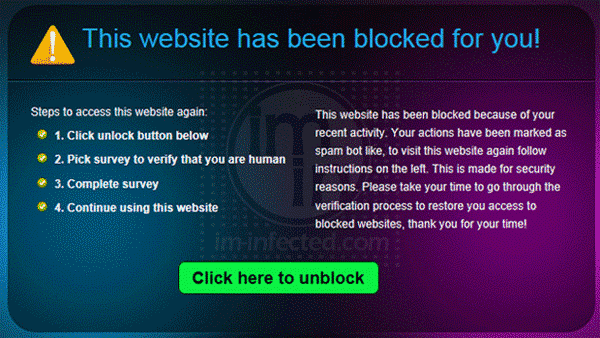
If you are seeing “This website has been blocked for you” on the computer, then it is infected with some kind of malware. This new threat can be considered as browser hijacker as well as ransom virus. First, it will block your access to popular sites and redirect your browser to a warning page that states “This website has been blocked for you”.
Remove Trojan:DOS/Alureon.E
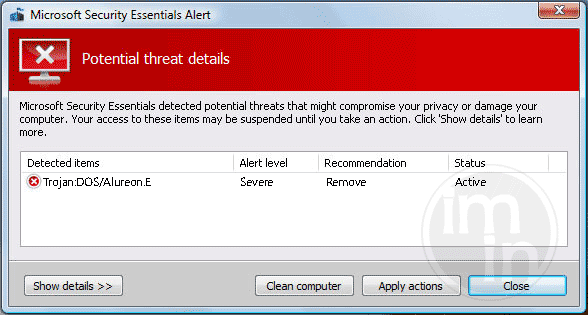
Trojan:DOS/Alureon.E refers to an infected Volume Boot Records (VBR) of the computer. This is caused by certain variants of Alureon Trojan. The threat is so harmful and will target both systems in 32-Bit and 64-Bit. With rootkit involved, Trojan:DOS/Alureon.E controls how the system boots while loading the harmful code. Rootkit also hides the presence of the Trojan, which makes it concealed to your anti-virus program.
Uninstall Bucksbee Search and Toolbar

Bucksbee Search and Toolbar is an adware that will get inside your computer through third-party software. It is injected into the browser as Bucksbee Loyalty Plugin, which gives rewards to users. The adware functions in two ways.
Remove Software Education Hijacker (sftwred.info)
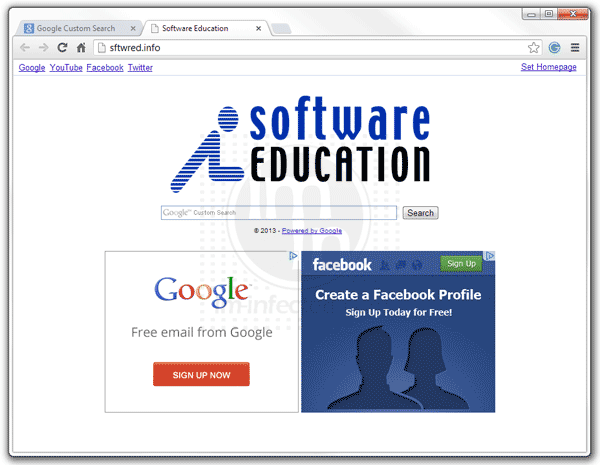
Software Education search hijacker that bears the address sftwred.info will take over the home page of the browser when you installed an adware. Intentionally or not, once the adware is installed, it carries out certain changes on the browser to execute the hijacker thing. For instance, Software Education adds a plug-in or add-on so that it runs when you use the affected Internet browser.
Remove Oyodomo.com New Tab and Redirect
If you are experiencing a new tab that redirects to oyodomo.com, then, there is some kind of adware inside the computer. oyodomo.com appears as a new tab because there is a setting inside the computer that calls for this. It could be plug-in or extension inside the browser. On some instances, new tab for oyodomo.com displays when opening the affected browser because it is capable of starting the service when you run Internet browser.
Remove Chitka Pop-up Advertisements
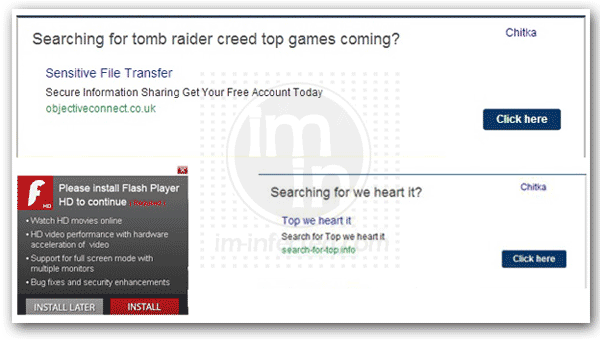
Chitka is often referred to as annoying pop-up ads. It is an adware designed to display displeasure advertisements in web browser windows, pop- ups or undesirable toolbars. This annoying application may install into the system without user permission. It can make several browsers help object (BHO) entries in the registry and injects a dynamic link library (DLL) to perform particular tasks like adding tool bars and button to your browser.
Remove AVASoft Antivirus Professional
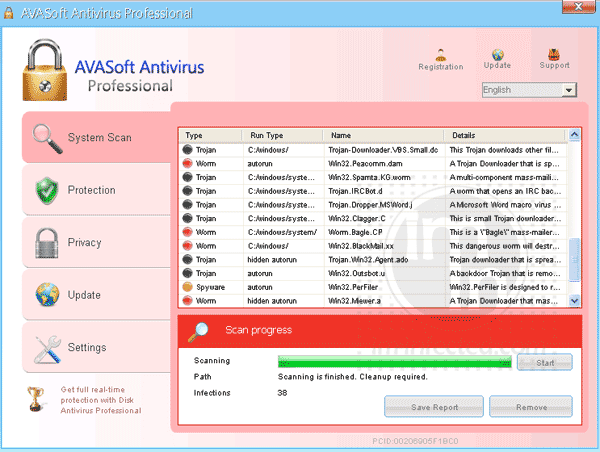
AVASoft Antivirus Professional is a rogue security software coming from a huge clan of malware. The threat may own the same traits as the other variants, but computer security experts found some improvement on this one. It is using a sophisticated method known as rootkit. This is the way to conceal the presence of AVASoft Antivirus Professional to avoid anti-virus detection.
Remove I.trkjmp.com Malware
I.trkjmp.com is a source of unwanted advertisements. Some security program may block the URL, seeing it as risky. It is reported that the address is related to an advertising company that promote products through inline ads. Some word or phrases on web site will appear as normal link to viewers. However, when clicked, it will display pop-up ads and redirects the browser to a product page.
Stop Dts.search-results.com Hijacking

Dts.search-results.com is deemed as malicious search engine. It hijacks your home page, giving you no option to return it to default settings unless you totally removed it. For this reason, many computer users are now seeking help from various security web sites in order to get rid of this adware. One reason why we put up this page is to contribute to this demand.