

Recently detected by security software experts the newest invader created by cyber criminal. It is known as the findwide.com search. The purpose of the program is to change your Internet browser’s home page and redirect you to a designated web site. To ensure that hijackers can perform the main goal in secretly manner, it is installed without your knowledge.
Robert La Nguyen
“You have 48 hours to pay!” Ukash and MoneyPak Scam
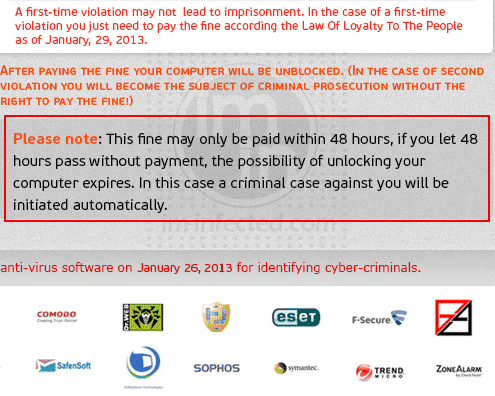
If your computer is being bothered by a pop-up message stating “You have 48 hours to pay the fine!” then it is infected with a ransom Trojan. There are several kinds of ransom malware ranging from Police, NBI, Department of Justice, and other agencies related to this field.
Remove Onlinefwd.com Redirect
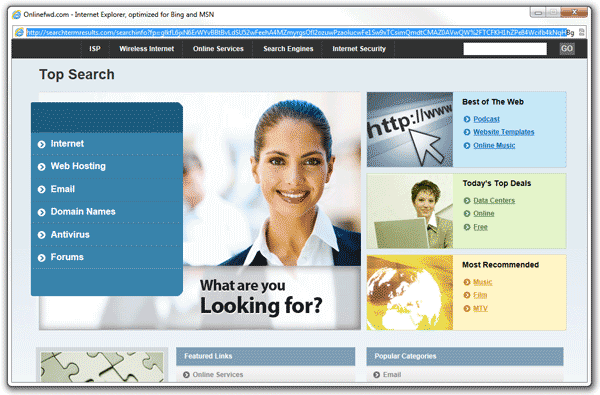
Browser hijacker normally attacks in a form of a search program like onlinefwd.com. This program is more likely a genuine search engine that is copied from Google, Bing, or Yahoo search. However, most users did not know that computer attackers imitate these popular sites in order to mislead them. Intention is somehow malicious.
Remove Portaldosites.com Search Hijacker
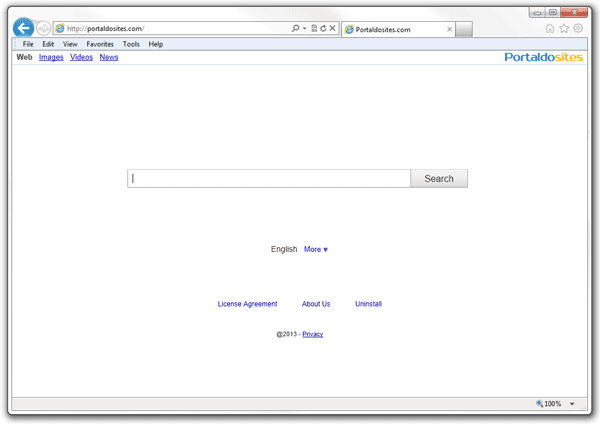
Internet Explorer, Google Chrome and Mozilla Firefox browsers, are you one of the user of this mostly used browser? If yes, you have to pay more attention with the latest browser hijacker. It is known as Portaldosites.com Search. It has the capability to change your home page and search engine to assigned web site. Cyber criminals used this method to redirect more users to its affiliated web sites. Normally, results it shows a number of links that are not relevant to your search query.
Remove Discount Dragon Adware

Discount Dragon is an adware formed as browser extension and is made by 215 Apps. This program gives more inconvenient to the users due to its annoying pop-up ads shown on various shopping web site. This deceiving program targets users of browsers like Firefox, Google chrome, and Internet Explorer.
Remove “Download Savings” Pop-up Ads
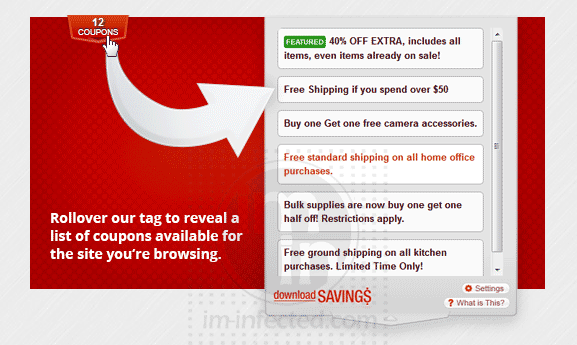
“Download Savings” is considered as adware. A program normally installed on the system via another software. User may get the free program from various web sites that are affiliated with the adware. Usefulness of “Download Savings” relies on every user. If you are one of those who are fond of online shopping, then this browser add-on may be good for you. But for ordinary computer users, pop-up box containing coupons and ads are just bothering.
Remove Supreme Savings

Supreme Savings is a plug-in for web browsers like Internet Explorer, Google Chrome, and Mozilla Firefox. It displays links for savings coupon, deals, and relevant ads. Ads by Supreme Savings is visible if you are viewing online shopping sites, otherwise, the adware is not noticeable. Authors of this adware receive revenue from advertisers. Probably, it is the main reason why Supreme Savings is being deployed online, to gain more profits for the developers.
Remove Vid-Saver Adware

A recent potentially unwanted program discovered by security experts. It is known as Vid-Saver adware, a program developed by 215 Apps. Some security tool may detect it as Adware:Win32/Vidsaver. It is bundled with other downloaded free software from the internet. It has the capability of changing your browser settings without your approval. Many users experience … Read more
Remove Savings Addon Pop-up
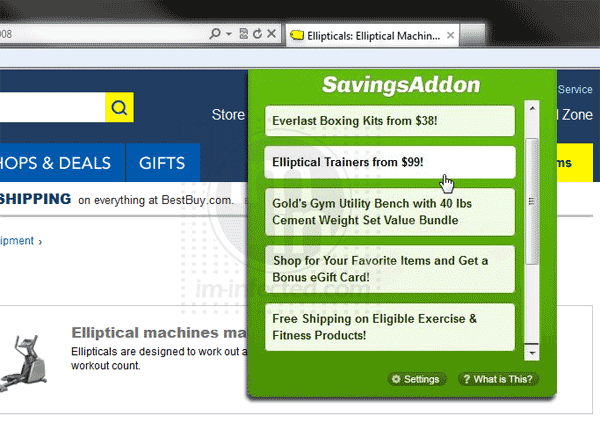
Have you ever experienced floods of pop-up of Savings Addon with coupon, deals, and discounts every time you try to go shopping on line? With the busy schedule of many of us, we tend to use this helpful program to do the task particularly in shopping. To some, Savings Addon is somehow helpful and yet deceiving. At first, you find it an advantage to do less hassle in buying goods online. Nevertheless, most users do not know that in exchange of these benefits, security risk is at stake with Savings Addon.
Stop Mytoolsapp.info Redirect
Mytoolsapp.info is a browser redirect malware that affects most browsers running in Windows operating system. It is installed on your browser while pretending to be a useful program. Probably, you have viewed online movies, or played online games that require you to install what they call ‘required program’. The web site misleads you to install the malware causing your browser to be redirected to mytoolsapp.info.